










Tommy Doan

I've been using MuMuPlayer (macOS) for PUBG and Fortnite — setup was easy and performance is flawless. One of the best tools I've found.
 MuMuPlayer
Android 15 игровой эмулятор
Первыми с Android 15. Создано для пиковой производительности


Наши партнёры



Enjoy broader game compatibility with deep Android 15 integration for a true native Android experience.

Numerous popular games run smoothly on MuMuPlayer
Get the latest gaming news, guides, redeem codes, and product events

Ragnarok: The New World Multi-instance Guide
A complete hands-on guide to running multiple instances, syncing ops, and building a self-sufficient account ecosystem on PC.
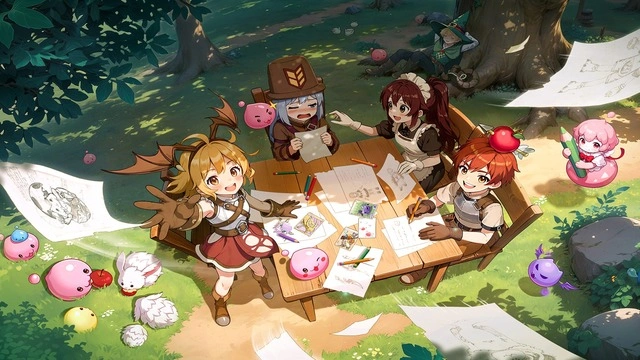
Latest Redeem Codes + Open Beta Benefits
Compiled redemption codes and how to join co-creation, guild, and couple pre-binding events for more rewards.

PC Guide: System requirements & settings
From install to multi-instance and class progression — efficient adventuring tips for PC players.
Find the guides and solutions of the emulator
Numerous YouTube influencers and users choose to use MuMuPlayer
I've been using MuMuPlayer (macOS) for PUBG and Fortnite — setup was easy and performance is flawless. One of the best tools I've found.

User-friendly UI and runs smoothly even with high-resolution games — ideal for playing mobile games on PC.

Downloading from the store is easy, touch controls work, and online matchmaking runs well — great for games like Pokémon TCG Pocket.

On another emulator FPS dropped over time. On MuMuPlayer it stays consistently between 25 and 35 without dropping.

I've tried different emulators, but only this one works for me. MuMuPlayer offers a reliable gaming experience.

Smooth performance and easy controls — I recommend MuMuPlayer for anyone who wants mobile games on a bigger screen.